5 common mistakes teams make when starting with AI, and how the ones who use it well fix them
The five mistakes we see most in media teams and agencies when they start producing with AI, and how the ones who already built it into their workflow handle them.


Some teams remain frustrated after months of using AI. Reviewing how they plan, generate and check content can help explain why.
These are the five mistakes we see most in media teams and agencies, alongside what the ones who made it part of their production do differently.
Going straight from text to video
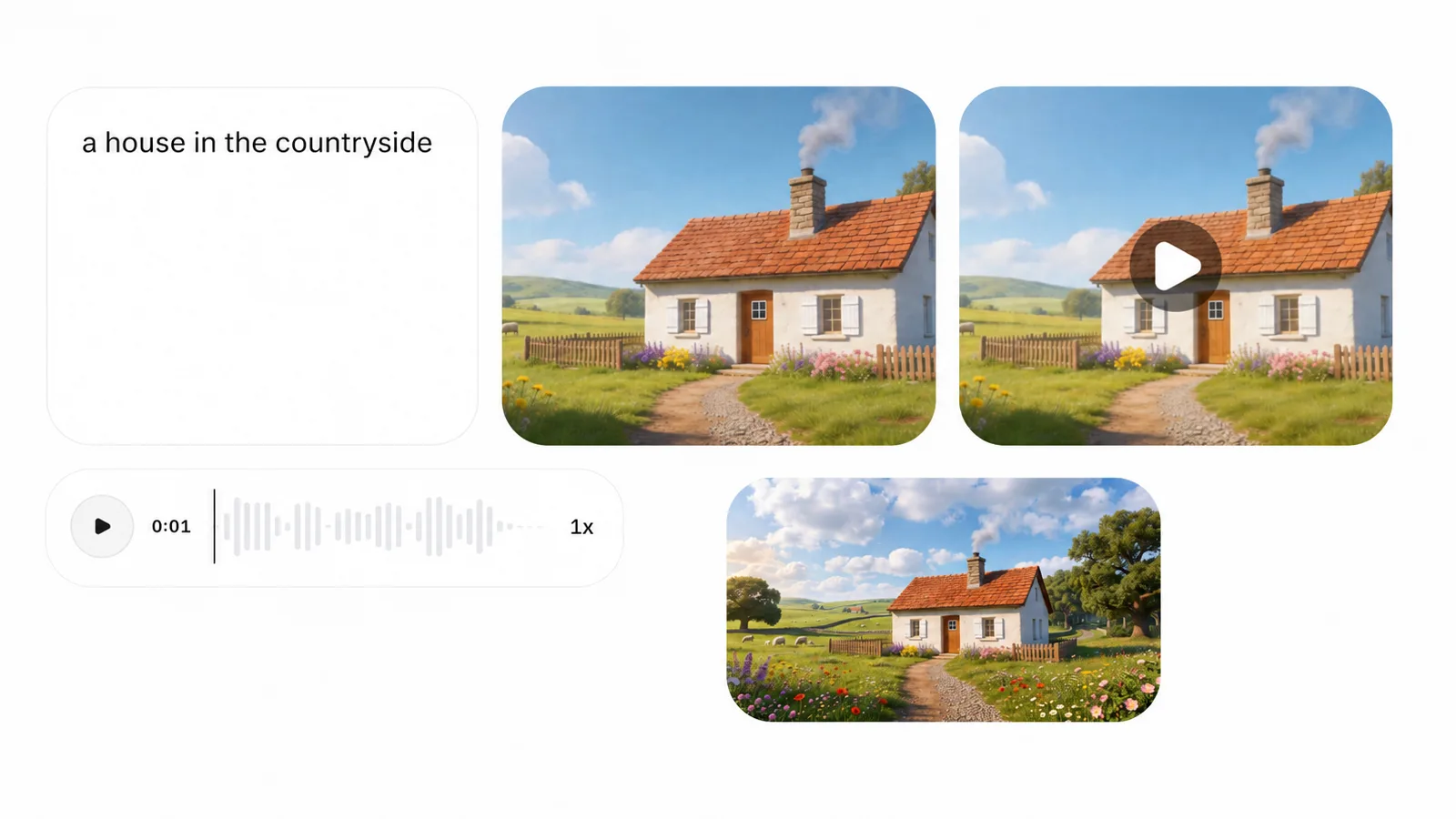
They write a prompt and expect a finished video. The AI has to guess too much: the framing, the movement, how the scene starts and how it ends. It makes things up, and every failed attempt burns credits. We have seen teams burn a whole month's budget in a single day this way.
What works: go step by step. Text, image, opening frame, closing frame, and only then video. In Endless you generate the image first and validate it. Once the scene has a defined beginning and end, you render. Two iterations instead of twenty.
Working without structure
They load twenty competitor accounts and then check them one at a time. Or never check them, because they do not know where to start. The monitoring is there, but no insight comes out of it.
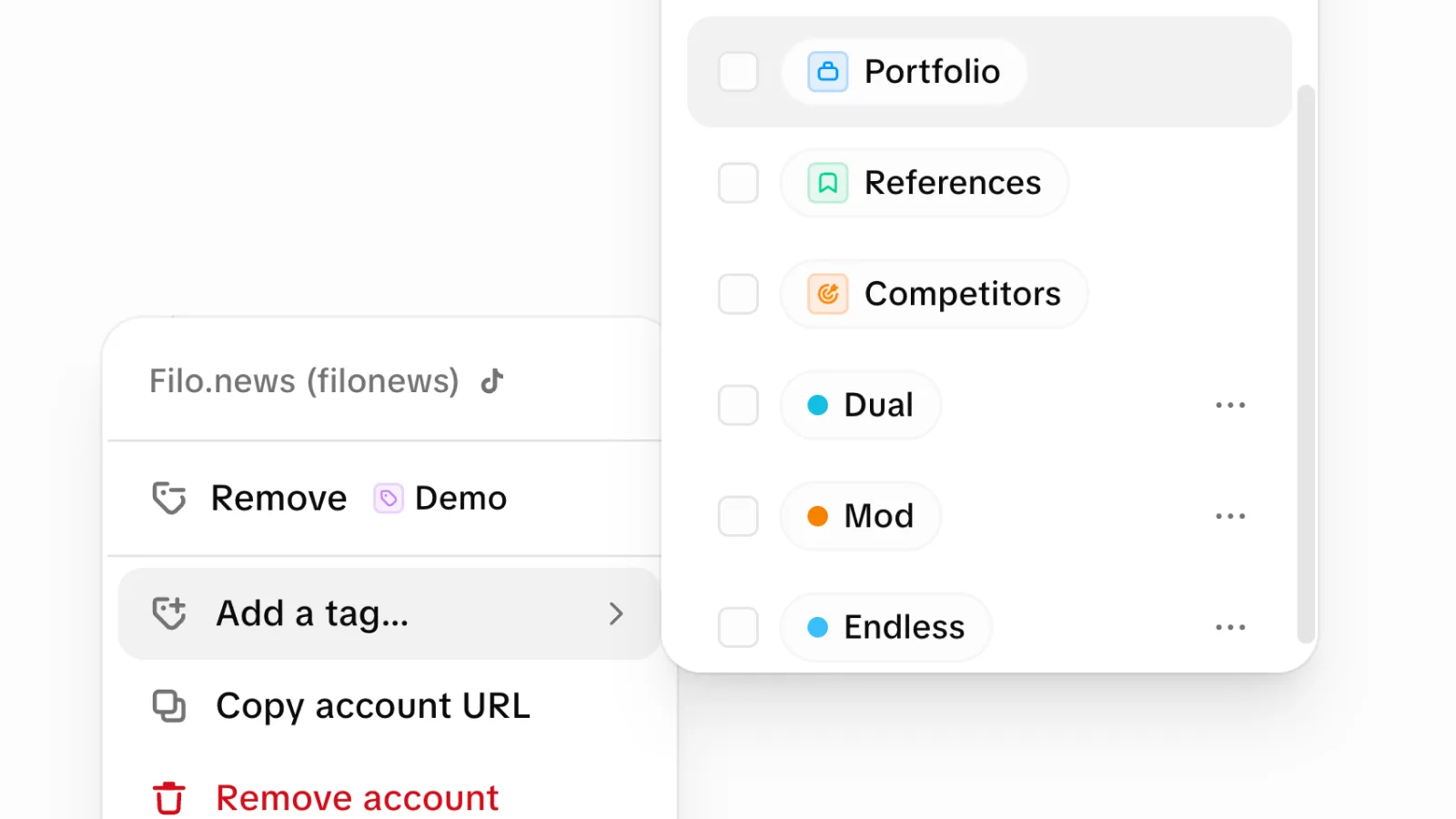
What works: in Endless you group them with tags, by topic, by show, or by client. "Finance competitors", "streamers", "political opinion leaders". Then you ask the whole group at once, not account by account: what went viral this week, what they are talking about now. It analyzes all twenty together in a single query.
Publishing without knowing if the topic is still current
They see a topic work for a competitor and they copy it. But they do not know whether people are still talking about it or whether the peak already passed. They end up publishing late, or about something that already cooled off.
What works: Endless crosses two things. On one side, what went viral in the accounts you mapped. On the other, what is trending on Twitter right now: in which country, and whether it is rising or falling. That crossover tells you whether it is worth publishing today or waiting.
Not saving the prompts that work
They find a sequence that produces good results and the next week they start over. Everything they learned disappears when they close the chat.
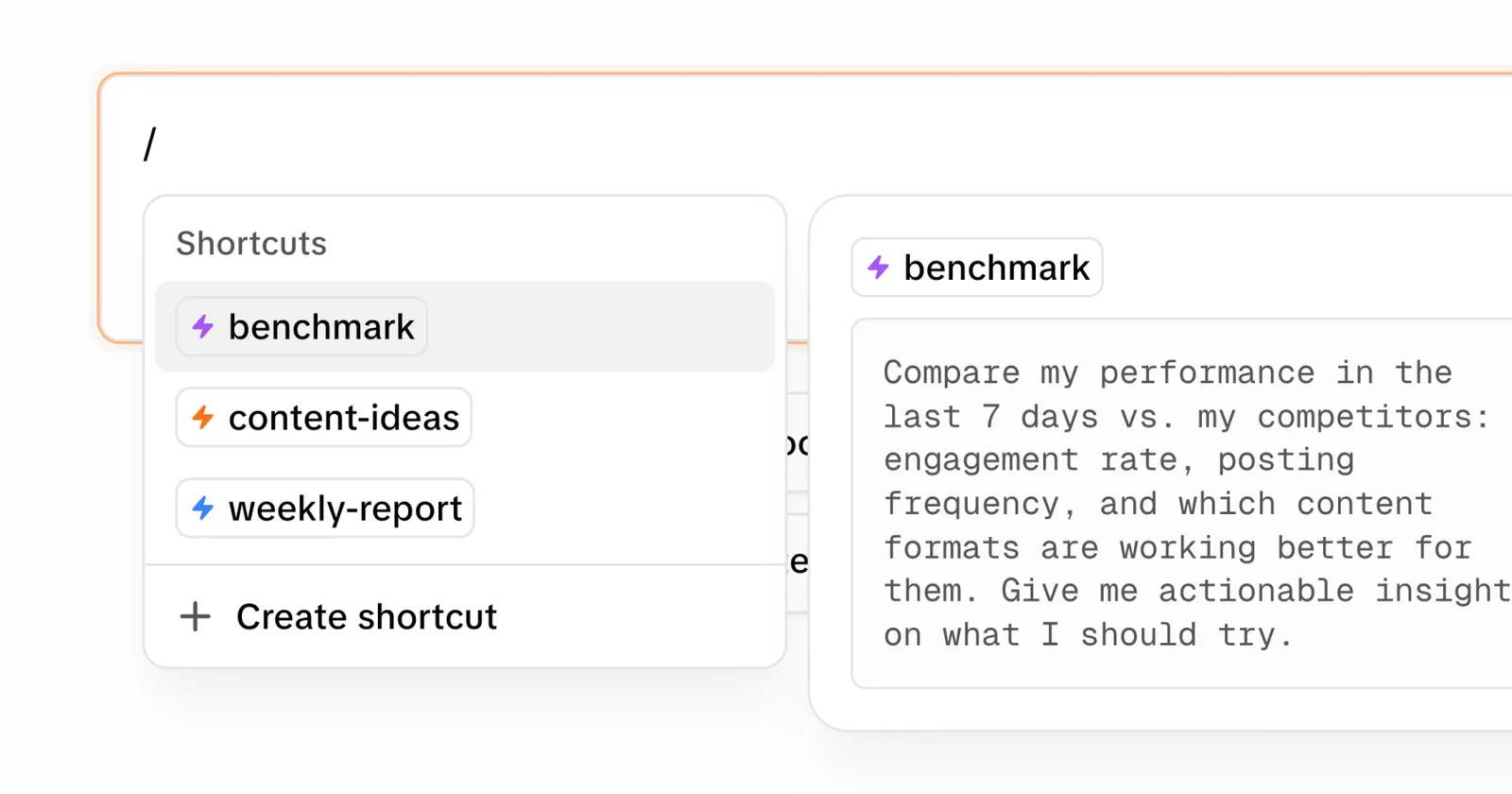
What works: you save that prompt as a shortcut in Endless. A slash command runs forty lines of instructions in one go. The more advanced teams leave them scheduled to run on their own: before the show, when the recording wraps, or every morning. The result lands in your inbox without anyone having to open anything.
Letting everyone prompt their own way
Without a base instruction, what comes out depends on who is generating that day. Brand consistency slips little by little, and nobody notices until it is already published.
What works: you load the brand manual into Endless as a permanent instruction. The team uses the same guidance on tone, emojis, structure and voice to generate and review content. If they do not have a manual yet, they can ask Endless to draft one from the account's real posts.
Save the prompts that work, document the brand guidelines, and review each image before generating a video from it. These steps give the next person on the team a process they can repeat.
If any of this sounds familiar, Endless is free to try.
Keep reading

ChatGPT doesn't know your brand voice
You paste examples, explain the tone, list what not to do. Tomorrow you do it again. What if AI could just read your actual posts instead?

General-purpose vs purpose-built
You screenshot competitors, paste posts into ChatGPT, maintain prompt libraries. Three tools where one should work. Why?

How to evaluate your team’s AI tools
Review the work involved in moving files, repeating instructions, and sharing results across your team’s AI tools.
Bring this to your team
Start creating with Endless - chat, image, video, transcripts, and social insight in one workspace.
Start free