Welcome to the Endless docs
Endless is one workspace for everything a company makes with AI: chats, images and clips, research, files, and the work that runs on a schedule. These are the product guides.
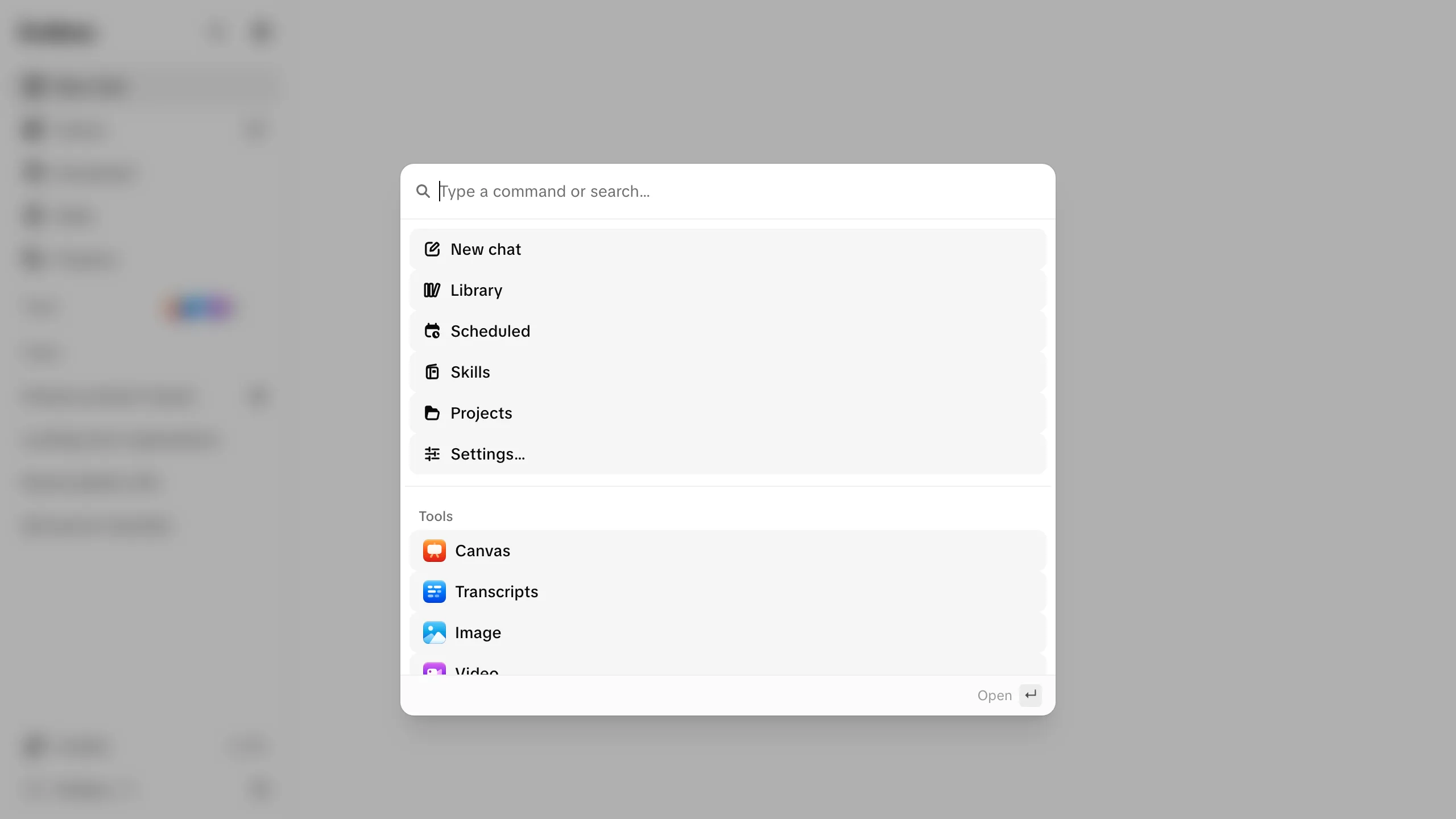
The command palette reaches all of it from the keyboard:
Start here
What is Endless
What it's for, and what a company gets from having it in one place.
Quickstart
Sign up, set your workspace up, and generate your first image.
Tour
Every place in the app, in sidebar order, and why a row might be missing.
Then go deeper
- Concepts: workspaces, credits, assets, projects, skills and models, the six ideas the rest of the product is built on.
- Chat: the main entry point, which can use every other surface, including social research.
- Create: the image, video and canvas surfaces, and where the output is saved.
- Transcripts and social radar: turn a recording into text and clips, or a question into a briefing with sources.
- Automate: scheduled tasks, skills and connectors.
- Connect: use your workspace from Claude, ChatGPT, Cursor or VS Code over MCP to search and read it, bring files in, and generate media.
- Settings and governance: people, billing, roles, teams, spending caps, the activity trail, and what the workspace may use.
- Reference: the glossary, the shortcuts, the permission table, and the API reference.