Transcripts
Turn any recording, podcast or video link into searchable text with speakers and timestamps, then export it or reuse it as clips, posts and subtitles.
A transcript is the searchable, editable text of an audio or video file. Add a recording or paste a link, and Endless returns the text, split by speaker and timestamped to the word at high quality, with a title and chapters. Export it, or use it in chat for clips, posts and subtitles.
Add a recording
Add a file or paste a link
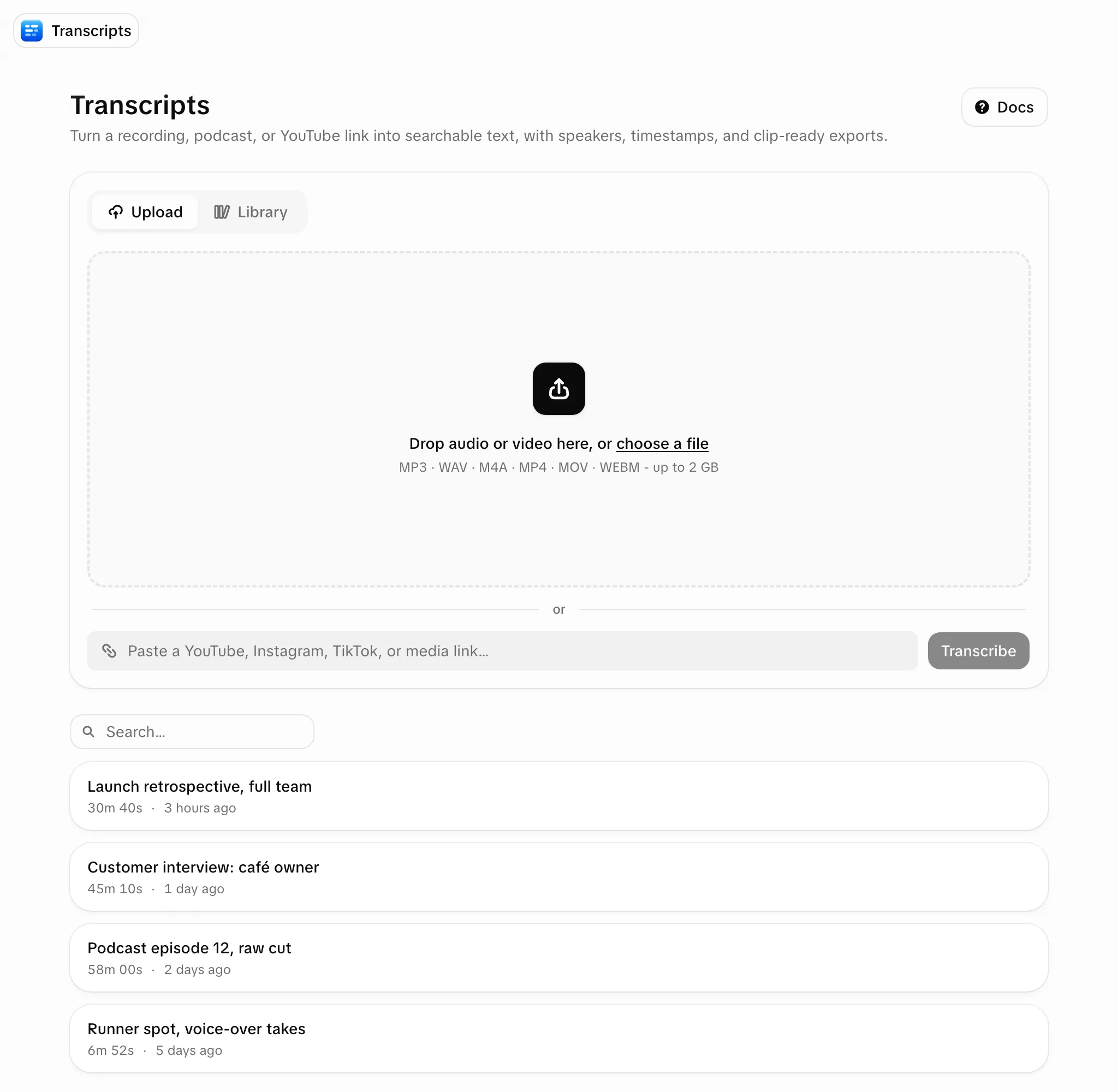
On the Transcripts page (or + next to Transcripts in the sidebar, which opens "New transcript"):
- drag audio or video files onto the uploader, or select "choose a file";
- paste a link into the link box and select "Transcribe" (pasting anywhere on the page fills the box);
- or open the "Library" tab, select files already in your workspace and select "Transcribe".
Pick a quality (YouTube and TikTok only)
| Source | Quality |
|---|---|
| YouTube, TikTok | "Fast" (default) uses the video's captions and is several times cheaper. "High quality" transcribes the audio, with speakers and word timings |
| Instagram, X, Facebook | Fast only |
| Uploads, Library files, direct media links | Always high quality |
If a fast run finds no captions, Endless transcribes the audio instead, at close to (sometimes above) the high-quality rate. Pricing is by recording length, and Endless checks that your credits cover the maximum cost before it starts.
Wait for the queue
Recordings are processed one at a time; you can keep adding more. Each shows "Queued", "Compressing" (large files shrink in your browser), "Uploading", "Transcribing" and "Saving". You can cancel until "Transcribing". A failed item gets a retry without stopping the others. A single file opens by itself when ready.
The same source is never transcribed twice: pasting a link again (even a different URL for the same video) or picking an already transcribed Library file opens the existing transcript at no cost.
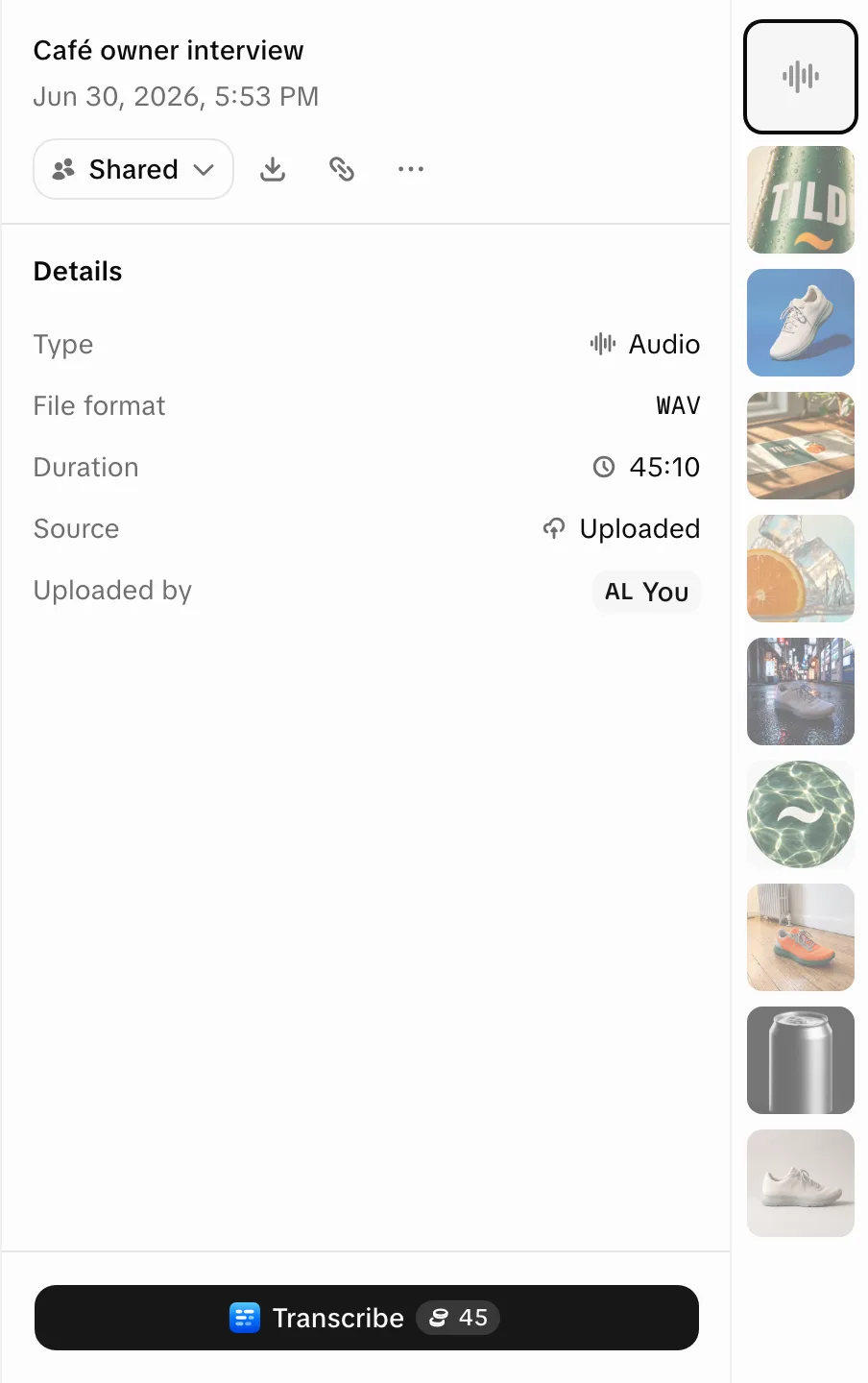
You can also transcribe from the Library: an uploaded or imported audio or video file shows "Transcribe" with its price, then "Open transcript" when done. It is billed at the high-quality rate.
Supported sources
| Type | Accepted |
|---|---|
| Audio | Any audio file (MP3, WAV, M4A…) |
| Video | Any video file (MP4, MOV, WEBM…) |
| Links | YouTube, Instagram, TikTok, X, Facebook, and direct links to a media file |
Files must be under 2 GB. Split or compress longer recordings.
Read a transcript
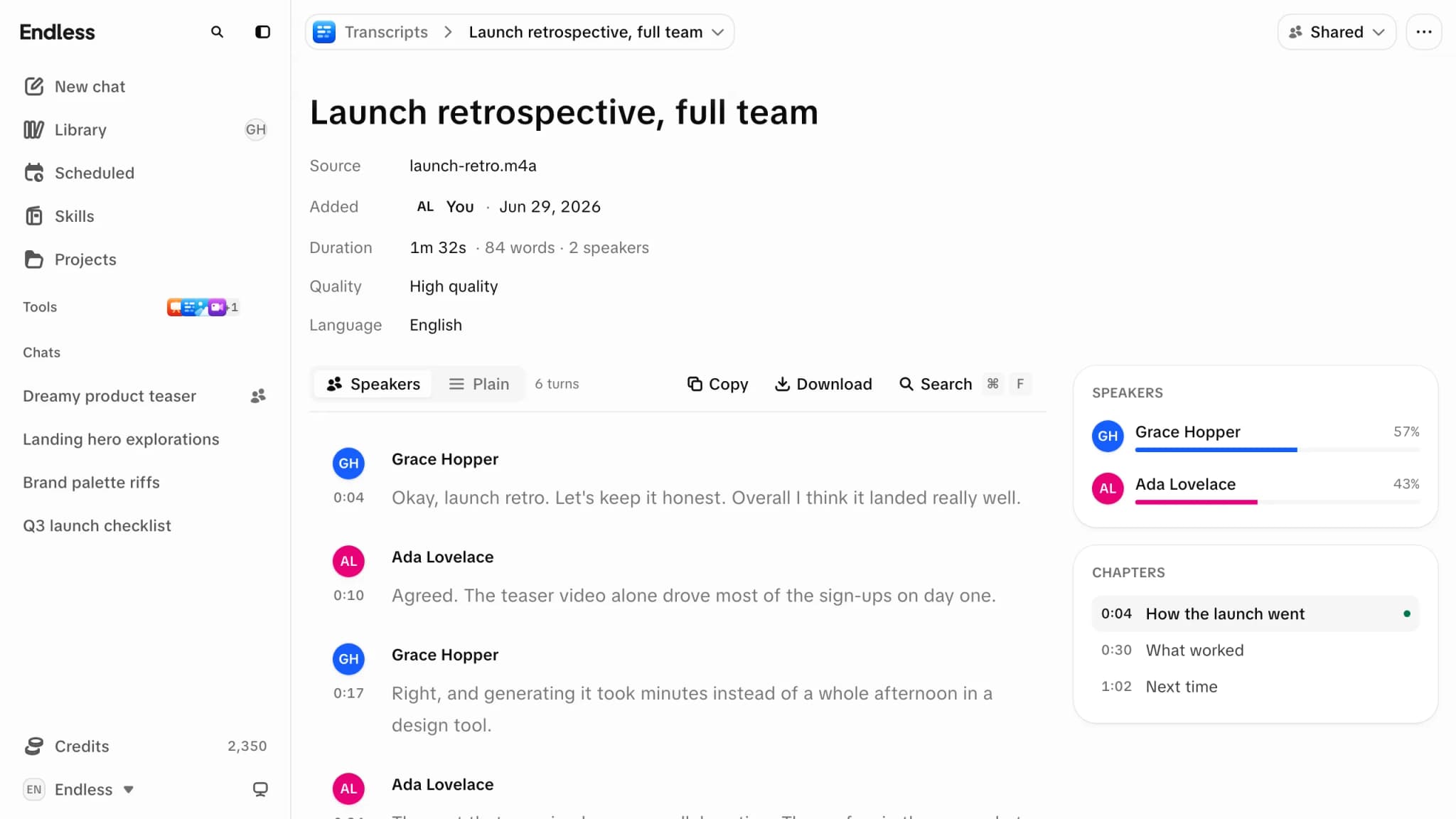
- The header lists Source, Added, Duration, Quality, Language (and Imported from, "Created in", "Appears in" where they apply), plus a "Private" / "Shared" pill. An uploaded source's name is a download link.
- "Speakers" view keeps turns attributed; "Plain" shows paragraphs.
- "Search transcript…" steps through matches with Enter and Shift+Enter. Selecting a line moves the player there (speed control, 10-second skips).
- Speakers panel: each speaker's share of talking. A rename applies everywhere, exports included.
- Chapters panel: appears shortly after transcription finishes.
- Language: if the source has captions in several languages, pick one to re-fetch.
Export
"Copy" copies in the chosen format; "Download" saves a file.
| Format | File | Use for |
|---|---|---|
| Plain text | .txt | Drafts, pasting into other tools |
| Speaker text | .txt | Interviews and meetings |
| JSON | .json | Words with timings, for custom tooling |
| SubRip | .srt | Subtitles in most editors and players |
| WebVTT | .vtt | Captions for web video |
Use transcripts in chat
Failures, cost and permissions
- A failed transcription stays in the list as "An error occurred while transcribing. Try again." Delete it or paste the link again. You are charged only once the text exists. See Credits and spending.
- Creating a transcript needs a role that can create content. See Roles and permissions.
- An admin can switch Transcripts off for the workspace, a team or one person. Then the page is unavailable and chat can't make transcripts either.
New transcripts are private. See Sharing a transcript. To speak a prompt instead, see Dictation.