Chat
Start a conversation that can write, search, generate media and build in one reply, see what each reply costs, and stop or redirect one.
Chat is where most work in Endless starts. One conversation can reach your projects, your files, the models and the web.
Start a conversation
- Select New chat at the top of the sidebar.
- Type what you want in your own words, or pick one of the suggestions under the composer.
- Send. Endless names the chat from your first message and lists it under Chats in the sidebar.
Draft five Instagram captions for our spring launch. Keep each under 20 words, no emoji, and match the voice in @spring-campaign.In the composer you can also attach files (attachments), type @ or /
(mentions), dictate (needs microphone access and a supported browser), and
choose the model. The workspace default model has a "Default" badge. Switching model
mid-conversation makes the next message cost more, because the new model rereads the whole
chat. If your workspace hides the model picker, Endless picks the model.
What it can do in one reply
Endless shows each step as it takes it.
| Action | Details |
|---|---|
| Read social media | Profiles, posts, comments, searches and trends on seven platforms. See social research. |
| Search the web | For current answers, and to read pages you give it. |
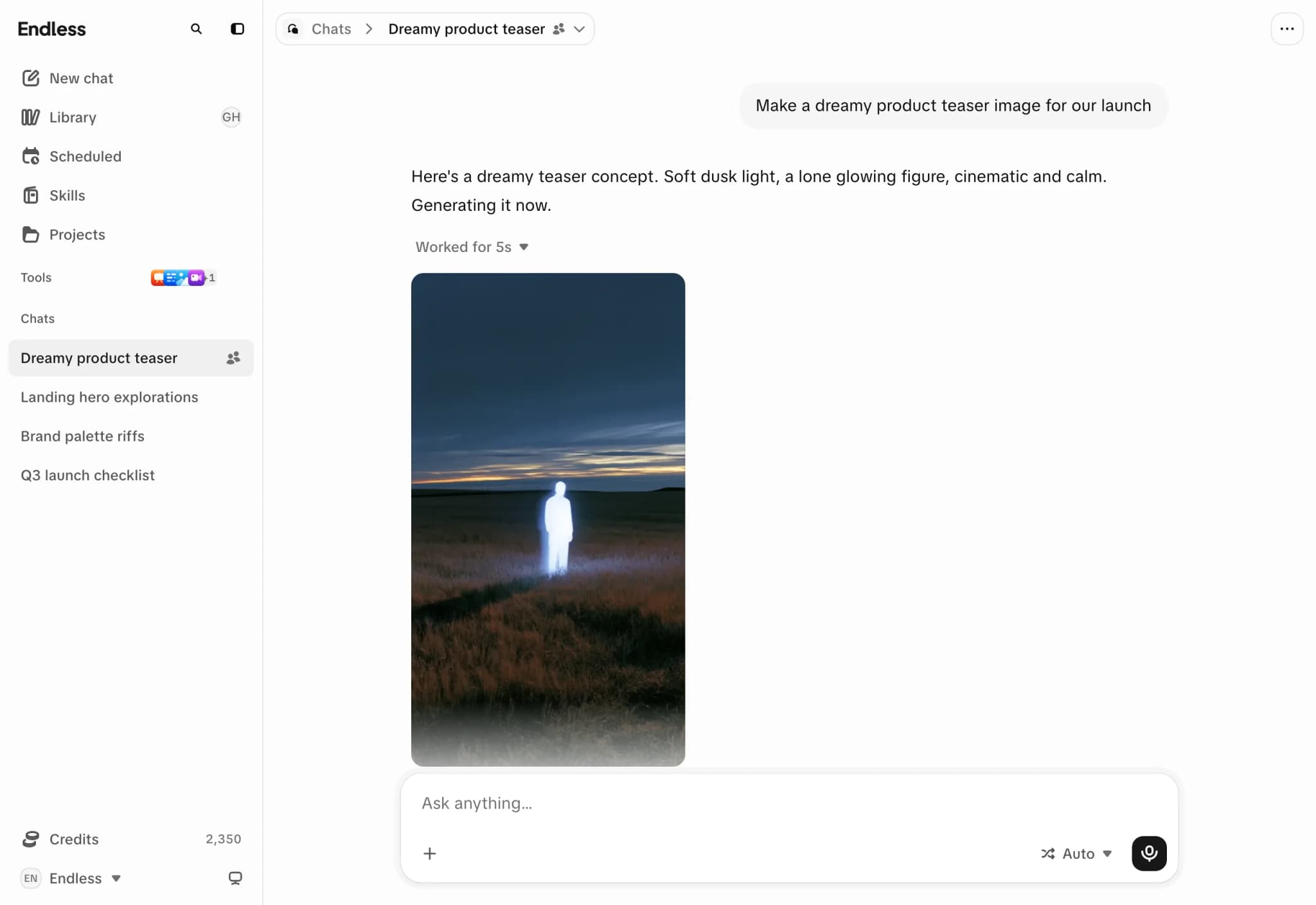
| Generate media | Images, video (the most expensive models) and speech in a workspace voice. It can design or clone a voice; cloning asks you first. |
| Transcribe | A link or recording; read existing transcripts. |
| Build documents | Editable documents and downloadable artifacts, kept in Library. |
| Run small programs | Exact maths and data work; search assets by content. |
It also uses your workspace's skills, linked connectors, and the knowledge of attached projects.
For an ambiguous request, Endless may ask a "Question" with options, "Write another answer" or "Skip". Unanswered questions are skipped after a countdown.
Image and video generation, transcripts, canvas, radar, scheduled tasks and individual models can each be turned off for a workspace, a team or one person. If Endless says it can't do something, that is usually why. See models.
What a reply costs
Each reply shows "~N credits" under it. Select it for "Response usage": the model, the steps and where the credits went. Paid steps (an image, a video, a search, a transcription) show their own price. A failed paid step is struck through and refunded; the cost of the reply itself is not.
Your workspace may ask before paid steps run. See credits and spending.
Replies run without your tab
A reply runs on Endless's servers. You can close the tab, reload or sleep the laptop; when you reopen the chat the reply continues live.
Each reply has limits on working time and steps. A reply that reaches one stops, says so, and shows "Continue" to resume from there.
Stop or redirect a reply
While a reply runs, the send button becomes "Stop generating". Stopping keeps what is on screen. Steps already finished stay charged.
Stop also cancels an image or video still being made. If the provider hadn't started it, nothing is charged. If it had, it may still finish: it is charged and the result goes to Settings → Trash, where you can restore it.
Send the next message while it works
Type while a reply runs and the button becomes "Add to queue". Queued messages wait under "Up next" and send in order when the reply ends. You can reorder, edit or remove them, or choose "Send now" to stop the current reply and send that message.
The queue pauses when you stop a reply, a reply fails, or you reopen the chat; "Continue queue" resumes it. It is stored in this browser only, and nothing sends while the chat is closed.
Edit or regenerate
- "Edit" on your own message creates a new branch. Arrows switch between branches, even while a reply runs.
- "Regenerate" under a reply asks again and keeps both answers as versions. It isn't available mid-reply or while media is generating.
Errors
| Message | Meaning |
|---|---|
| "An error occurred while connecting to the model. Try again." | A connection problem. Select "Retry". |
| "This message needs more credits than the workspace has." | The workspace is out of credits. Someone who manages billing adds more. A reply that runs out midway stops early and says so. |
| "You've reached your spending limit in this workspace. Ask an admin to raise it." | Your personal or team limit ran out. See credits and spending. |
| "This chat is too long to continue. Start a new chat to keep going." | The chat is longer than a model can read. Start a new chat. |
| "Lost the connection to that response. Try again." | You closed or reloaded the tab in the first seconds after sending. Select "Retry". |