Video
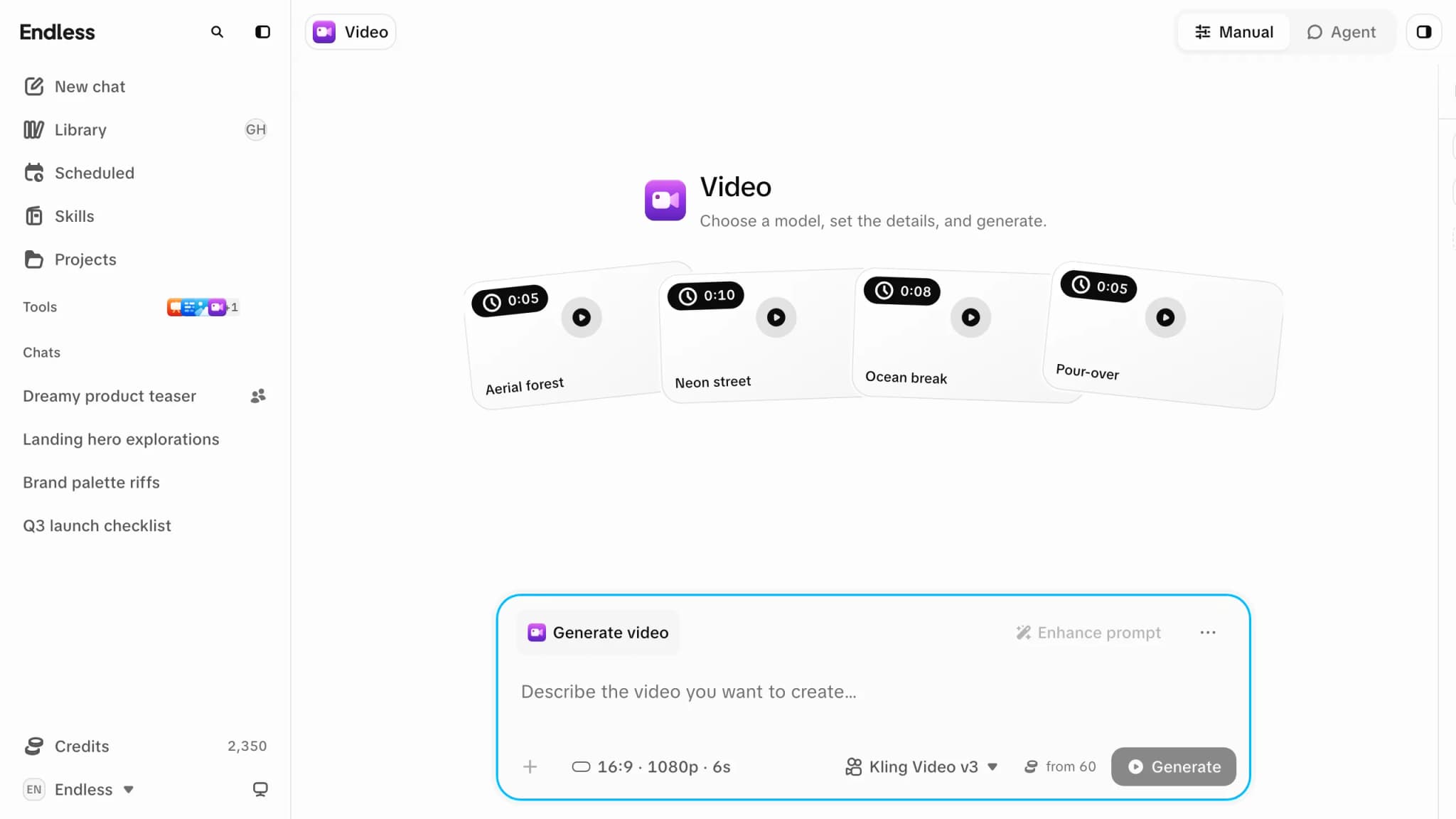
Generate a clip in Endless: the same composer as Image, with length in the Output control, longer waits and much higher credit costs per run.
Video works like Image: the same composer, feed, model-driven controls,
references, "Enhance prompt" and Manual / Agent tabs (Agent opens a chat with
@video). This page covers only what differs.
Video models cost far more than anything else in the catalog. One clip from a top-end model can cost more than a week of the free credit allowance; a cheap image costs a credit or two. Check the estimate before running a model you haven't used.
What differs from Image
- Many models start from a picture. A slot such as "First frame", a base image or a base video is marked "Required", and "Generate" won't run until it's filled.
- Length is a setting. Where a model supports it, duration is a slider of whole seconds in "Output", and the chip reads e.g. 16:9 · 1080p · 6s. Writing a length in the prompt, or picking a starting idea that shows one, doesn't change it.
- It takes longer. A clip can take a minute or more. The placeholder in the feed turns into the video when it's ready, and the run continues if you reload or leave.
- Resolution comes from the model's setting, not your input. A 4K input on a model capped at 1080p gives a 1080p clip. For more, pick a model and value that offer it. On some models the higher resolutions exist only in certain modes. Higher resolutions cost more.
Drafts
Some models make a cheaper, low-resolution draft. It carries a "Draft" badge with its deadline ("Due in 3 days", "Due today", "Expired"). On a canvas, "Finish draft in HD" renders the same take at 1080p.
Cost and cancelling
A run is charged when it completes, for the outputs that come back. A failed run is not charged. If the workspace or your own limit can't cover a run, it is refused before it starts. See Credits and spending.
"Cancel generation" works as on Image: if the provider had already started, the clip can still be charged and goes to the trash.