AI product photo generator
Pick one photo of your product. After you sign in, attach it in your workspace chat and the agent makes studio and lifestyle shots in several variations with AI image models, keeping the product as it is.
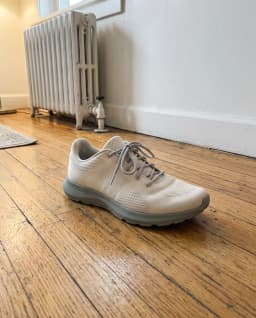
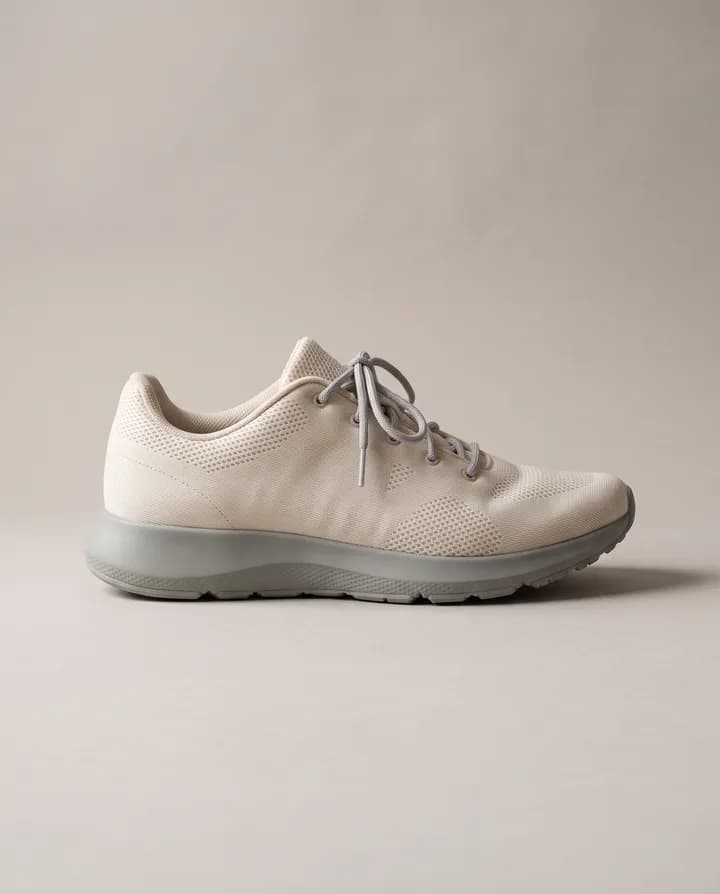
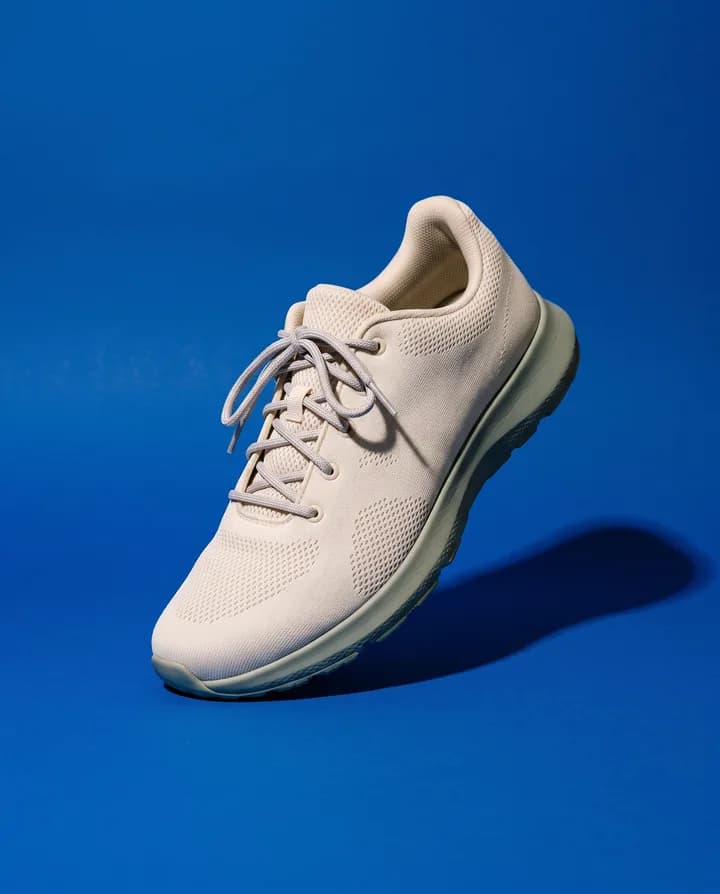
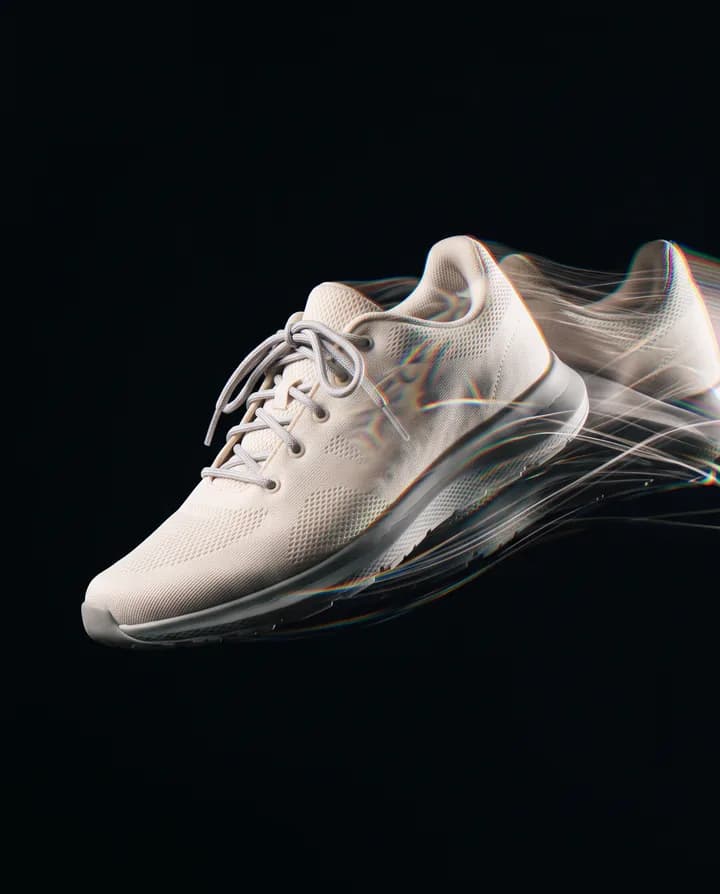
What is an AI product photo generator?
An AI product photo generator takes a photo of your product and places it in new scenes: a clean studio background, a kitchen counter, a bathroom shelf, an outdoor table. The model keeps the product and builds the setting, light and shadows around it. You get many shots from one photo instead of booking a shoot for each one.
Stores and brands need a lot of images: the main listing photo, lifestyle shots, seasonal versions, ad creatives in several sizes. A photo shoot for every version is slow and expensive. Generating them lets you try settings and angles quickly and keep the ones that work.
Endless has several image models that take an input image, including Nano Banana, GPT Image and FLUX, in one workspace. You attach the product photo, describe the shots or let the agent propose them, and it generates several variations at once. Every shot is saved in your workspace assets.
How it works
- 01
Pick your product photo
Drop or choose a clear photo of the product in the box above. A sharp, well-lit photo where the whole product is visible works best.
- 02
Sign in and attach it again
Create a free Endless account or sign in. Your workspace chat opens with the prompt already written. The file stays on this page, so attach the photo again in the chat and send.
- 03
Get your shots and refine them
The agent generates several studio and lifestyle variations and saves them in your workspace assets. Ask for a new setting, a different angle or more versions in the same chat.
What people use it for
- 01
Studio shots for listings
Put the product on a clean, even background with soft shadows for your store or a marketplace listing. Make every product in the catalog match the same studio look.
- 02
Lifestyle shots
Show the product where it is used: a mug on a breakfast table, a bottle on a bathroom shelf, a bag on a café chair. Lifestyle shots help buyers picture the product in their own life.
- 03
Ad creatives
Generate several versions of the same product in different scenes and test them in ads. Ask for vertical, square or wide images to fit each placement.
- 04
Seasonal versions
Make holiday, summer or back-to-school versions of the same product photo for campaigns, without a new shoot each season.
- 05
Social posts
Create a set of product images for a launch or a week of posts, then ask the agent to write the captions in the same chat.
- 06
Try ideas before a shoot
Test settings, props and color palettes with generated shots, then show the strongest ones to your team or photographer before you plan a real shoot.
Frequently asked questions
Is the AI product photo generator free?
You can start free. A free Endless account comes with the Free plan, which gives your workspace 100 credits when you create it and 50 credits every week. Each image spends credits from that balance. Paid plans add more credits if you generate often.
How much does it cost?
Each image spends credits, and the cost depends on the model and settings such as the output resolution. Several variations cost more than one. You can ask the agent for the cost before it runs, so you know what it will spend from your workspace balance.
How many variations can I get?
The agent generates up to 4 variations at a time, each with its own setting or angle. Ask for more and it makes another set. Every variation is saved in your workspace assets.
Will the product look the same?
The agent asks the model to keep the product exactly as it is and to change only the setting, angle and light. Models repaint the image, so check small details like labels, logos and text before you publish, and ask for a new version if something changed.
Which AI models are used?
Endless includes image models that take an input image, such as Nano Banana, GPT Image, FLUX and Seedream. The agent picks one that fits the brief, or you can ask for a specific model by name.
What product photo works best?
A sharp, well-lit photo where the whole product is visible, ideally from the front and without other objects covering it. A plain background helps the model separate the product from the scene.
Can I use the images commercially?
Images you generate are saved in your workspace as assets, private by default, and you decide who to share them with. Use product photos you have the rights to, and check the terms of the model you use for any commercial use limits.
Related tools
Remove background
Cut the subject out of a photo onto a transparent background, saved as a PNG.
Open the tool: Remove backgroundChange image background
Replace the background of a photo with a new scene you describe.
Open the tool: Change image backgroundImage to video
Animate a still image into a short AI video. Describe the motion and pick a video model.
Open the tool: Image to video
Give your next idea a place to grow.
Start free, create a project, and bring your brand’s references together. Or book a demo to explore Endless with your team.