Colorize black and white photos with AI
Pick a black-and-white or sepia photo and Endless adds color to it. After you sign in, attach the photo in your workspace chat, tell the agent any colors you know, and an image model colors the rest with natural tones.
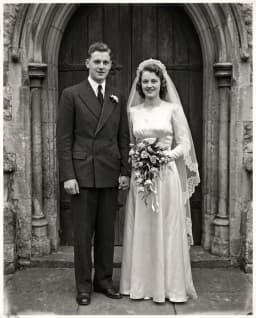
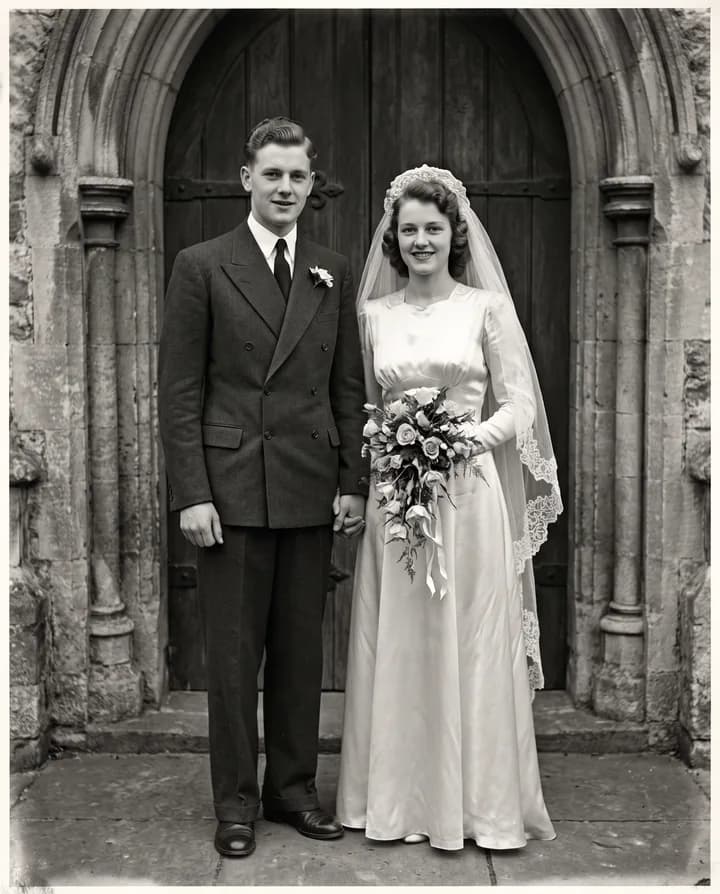
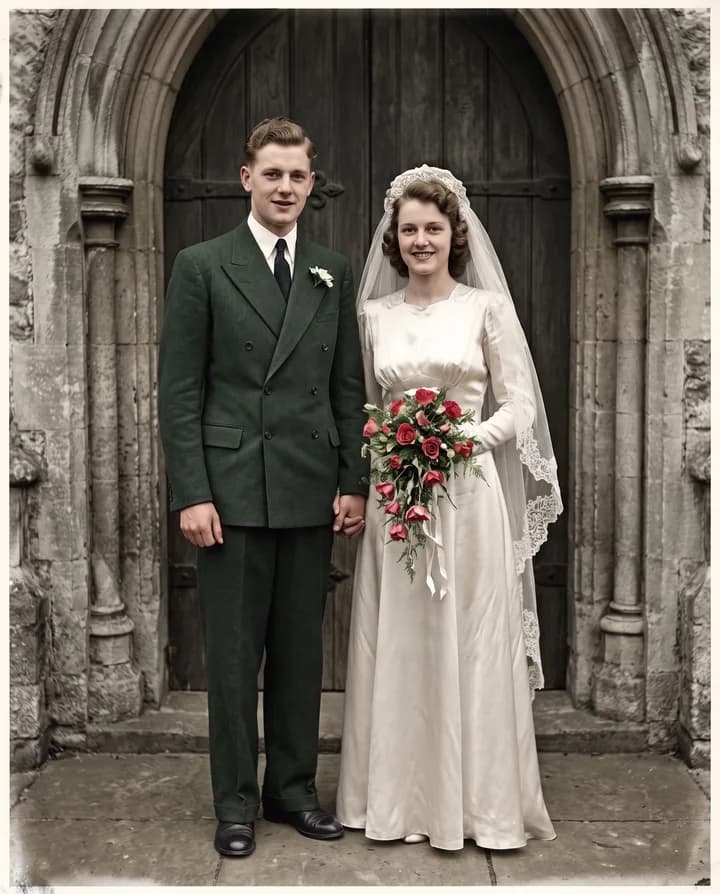
How does AI photo colorization work?
A black-and-white photo records how bright each part of the scene was, not what color it was. A gray dress could have been navy, burgundy or dark green. An AI colorizer looks at what is in the picture, such as skin, sky, grass, wood and fabric, and paints each part in a color that fits its brightness and its kind of object. Sepia and toned prints work the same way once the tint is set aside.
That means the colors are a plausible guess, not a historical record. Skies and foliage usually come out right; clothing, cars, painted walls and eye color are where the guess can be wrong. If you know a color, say it: "her dress was light blue", "the house was red brick", "he had a green uniform". The agent adds those details to the instruction so the model uses them instead of guessing.
In Endless you attach the photo in your workspace chat and the agent colorizes it with an image edit model such as Nano Banana Pro, keeping the people, the light and the composition. The color version is saved as a new asset and your black-and-white original stays as it was. In the same chat you can correct one color, restore damage first or turn the result into a short video.
How it works
- 01
Pick your photo
Drop a black-and-white or sepia photo, or a scan of one, in the box above. A sharp scan with good contrast gives cleaner color.
- 02
Sign in and attach it again
Create a free Endless account or sign in. Your workspace chat opens with the prompt already written. The file stays on this page, so attach the photo again in the chat and send.
- 03
Give the colors you know
The agent asks which colors you are sure of, then colorizes the photo and saves it in your workspace assets. Point out any color that looks wrong and it changes only that.
What people use it for
- 01
Family photos
See a wedding, a first car or a childhood portrait in color. Ask relatives what they remember, such as the color of a coat or a kitchen, and include it in the request.
- 02
Local and family history
Colorize photos of a street, a shop or a town as it used to be for a history group, a book or a talk. When you share them, say they were colorized, since the colors are a reconstruction.
- 03
Sepia and toned prints
Early prints often carry a brown, yellow or blue tint. The model treats the tint as part of the old process and replaces it with natural color.
- 04
Film stills and old portraits
Give color to a still from an old film, a studio portrait or a press photo you have the rights to use, for an article, a slide or a poster.
- 05
Gifts for an anniversary
Colorize a parent's or grandparent's photo for a framed print or a birthday album. Upscale it with the Enhance image model in the same chat so it prints sharp.
- 06
Animate the colorized photo
Once the photo is in color, ask the agent to turn it into a few seconds of video with an image-to-video model, such as a slow camera move or a gentle smile.
Frequently asked questions
Can I colorize a photo for free?
You can start free. A free Endless account comes with the Free plan, which gives your workspace 100 credits when you create it and 50 credits every week. Each colorization spends credits from that balance. Paid plans add more credits if you colorize many photos.
Are the colors historically accurate?
Only where you tell it. The photo has no color information, so the model picks colors that are likely for each object. Sky, skin and plants are usually convincing, while clothes, cars and walls may differ from what they were. For archives or publication, note that the image was colorized.
Can I tell it which colors to use?
Yes, and it is the best way to get a faithful result. Describe the object and the color, such as "the car was pale yellow" or "grandpa's eyes were brown". After the first version, name any color that is wrong and the agent asks the model to change only that part.
What photos can I colorize?
Black-and-white and sepia photos, and scans or phone photos of old prints. Scan flat, in even light and without glare. If the print has scratches, tears or stains, restore it first with the restore old photos tool, so the model does not color the damage.
Which model colorizes best?
The agent usually colorizes with Nano Banana Pro, which edits an attached image and outputs up to 4K. You can ask for another edit model by name, such as GPT Image 2 or Seedream 5, and compare the versions side by side. Every model named here is available on the Free plan.
How much does it cost and how long does it take?
The cost depends on the model and settings such as the output resolution, and the agent can tell you before it runs. A colorization usually takes from a few seconds to about a minute.
Are my photos private?
Photos you attach and the color versions are saved in your workspace as assets, private by default, and you decide who to share them with. Endless does not post or publish your photos anywhere. Colorize photos you own or have the rights to edit.
Related tools
Restore old photos
Repair scratches, tears, creases, stains and fading in an old photo, then sharpen it.
Open the tool: Restore old photosImage upscaler
Upscale an image 2x, 3x or 4x with AI and sharpen its detail.
Open the tool: Image upscalerImage to video
Animate a still image into a short AI video. Describe the motion and pick a video model.
Open the tool: Image to video
Give your next idea a place to grow.
Start free, create a project, and bring your brand’s references together. Or book a demo to explore Endless with your team.