What is Krea: features, pricing, free plan and alternatives
Krea is a creative AI suite for images, video, upscaling and 3D, with its own Krea models next to Nano Banana, Flux, Seedance and Veo. What it does, who it is for, what it costs and where it falls short.

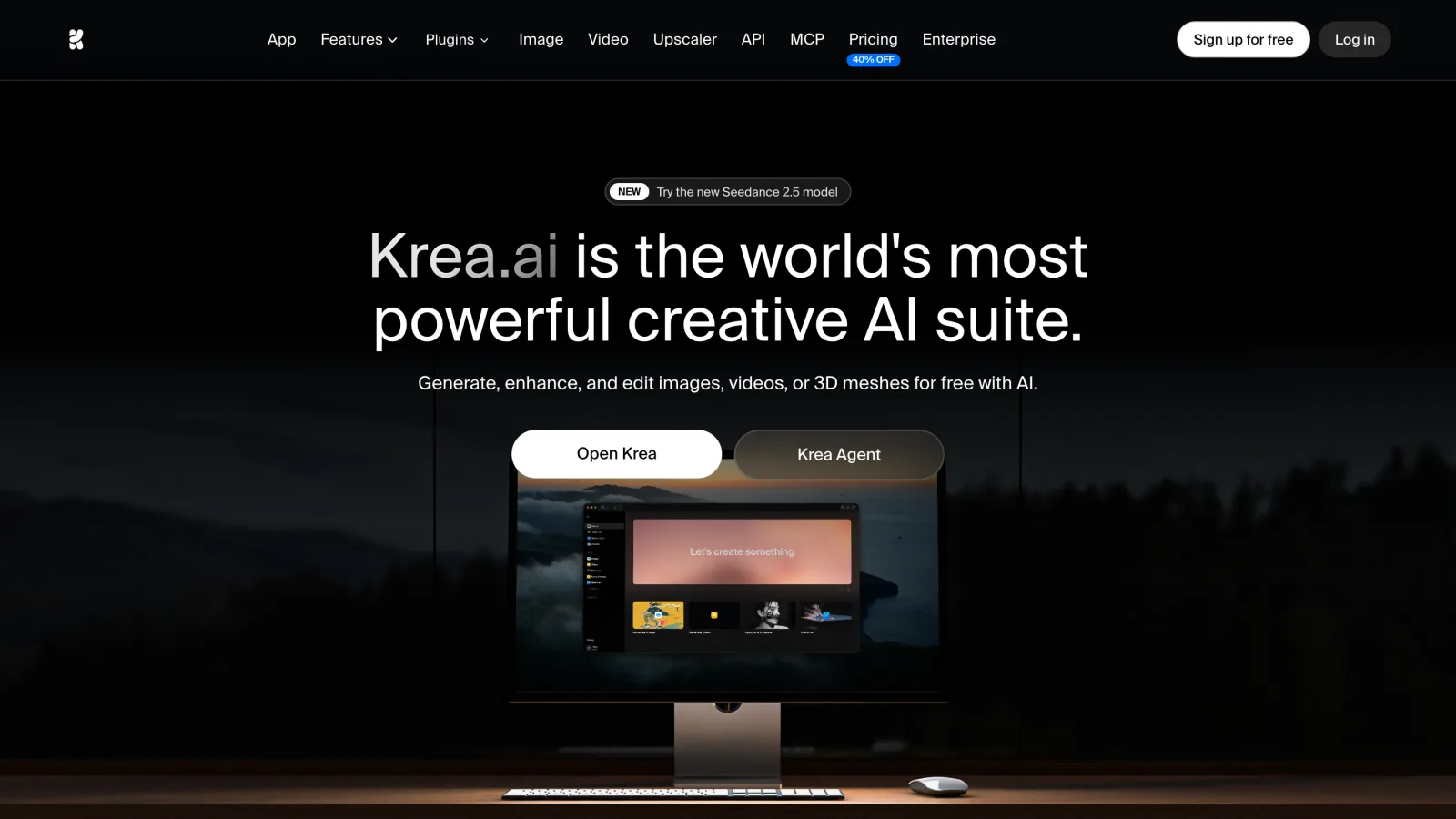
Krea calls itself "the world's most powerful creative AI suite": one subscription to generate, enhance and edit images, videos and 3D meshes. It trains its own image models (Krea 1, Krea 2 and, since October 2026, Krea 3) and runs them next to third-party models such as Nano Banana, Flux, Seedream, Seedance, Veo and Kling. Its pricing page says it is "trusted by 40M subscribers".
This guide covers what Krea does, who it is for, what it costs and where it falls short. Everything comes from Krea's own site and docs. We make Endless, a competing workspace, so read the alternatives section with that in mind.
Who Krea is for
Designers, art directors, agencies and studios who work hands-on with images: product shots, concept art, campaign visuals, architecture and fashion. Its enterprise page names marketing, architecture, product design, e-commerce and AI film, with case studies from Superside, Henning Larsen and Doodles. It also works for beginners, since the free plan needs no credit card.
Main features
- Image generation and editing. Text to image, editing by typing, and Krea 3, its newest model, which edits at native 2K "while preserving products, characters, and text", per Krea's docs.
- Real-time generation. Images update as you type or draw, which is useful for fast exploration.
- Video generation. Text and image to video, motion transfer, video style transfer and video upscaling, with Seedance Studio for ByteDance's video models.
- Enhancer. Image upscaling up to 22K on paid plans (2K on the free plan).
- 3D. Text or image to a 3D object.
- Training. Image and video LoRA fine-tuning on your own images, which you can share with your workspace.
- Nodes and App Builder. A visual editor where you connect models and steps into a workflow, then turn it into a reusable app.
- Krea Agent. You brief it once and it plans, generates and iterates across models. On Enterprise it can use a shared library of brand guidelines and saved skills.
- Plugins and an asset manager for your files.
Models
Krea's model overview groups its image models into fast, intelligent, quality and legacy tiers, with a credit cost for each. They include Krea 1, Krea 2, Krea 3, Flux and Flux 2, Nano Banana (Pro and 2), Seedream 4 to 5 Lite, ChatGPT image models, Qwen, Recraft V4, Ideogram, Imagen and Runway Gen-4. For video, the pricing page names Seedance (up to 2.5), Veo 3, Sora and Kling, and the homepage mentions Luma and Runway. The homepage counts "64+ models".
No chat models are listed. The Agent writes its own plans, but you can't pick Claude, GPT or Gemini to write copy.
Pricing
Prices from the Krea pricing page. Krea bills in compute units, and the page defaults to yearly billing at 40% off.
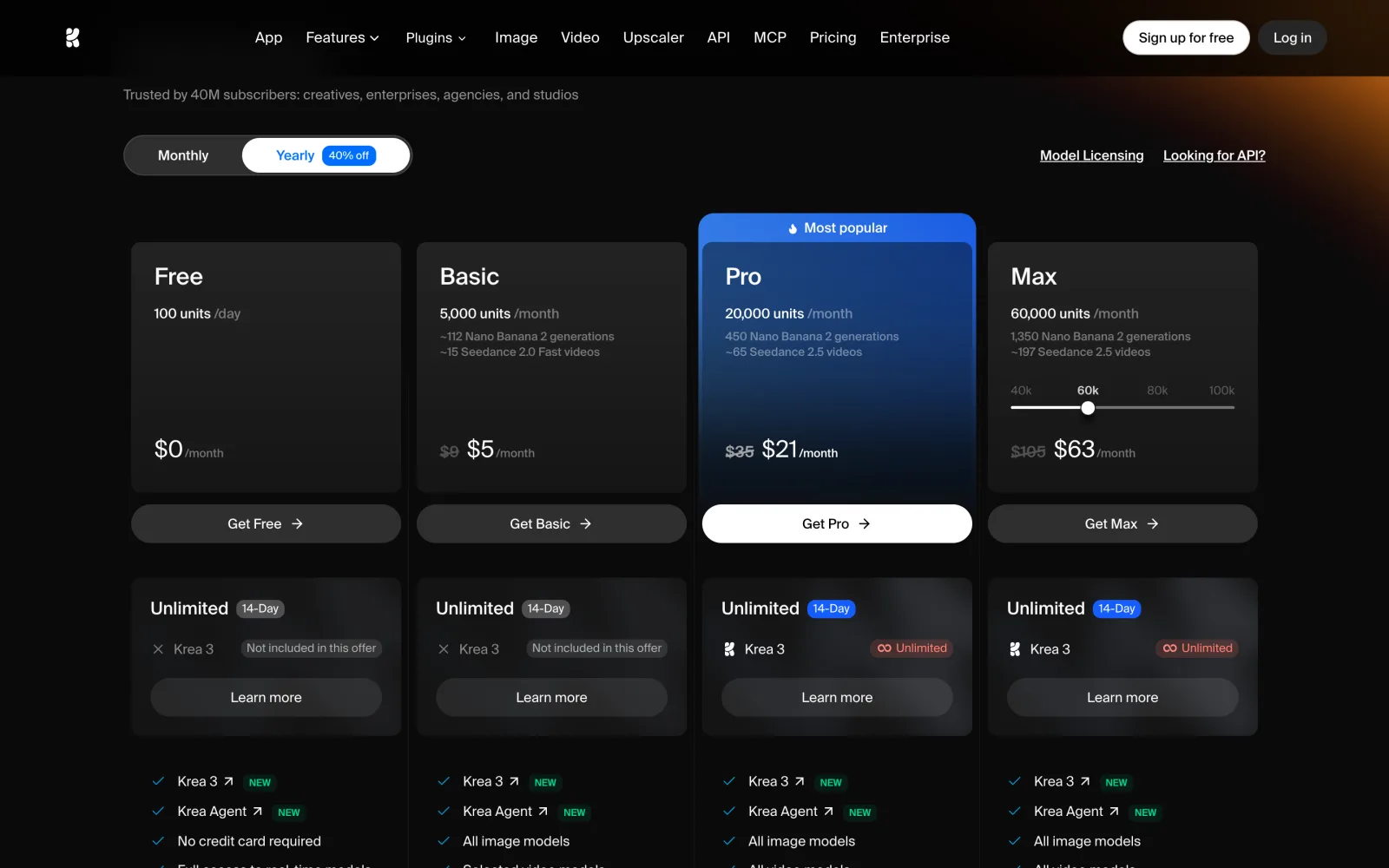
| Plan | Monthly | Billed yearly | Compute units |
|---|---|---|---|
| Free | $0 | $0 | 100 a day |
| Basic | $9 a month | $5.25 a month | 5,000 a month |
| Pro | $35 a month | $21 a month | 20,000 a month |
| Max | $105 a month | $63 a month | 60,000 a month |
| Business | $200 a month | $160 a month | 80,000 a month |
| Enterprise | Custom | Custom | Custom |
What the page adds:
- Cheaper models use fewer units. Pro's 20,000 units equal about 450 Nano Banana 2 images or about 65 Seedance 2.5 videos, per the plan card.
- Basic includes "selected video models"; Pro and up get all of them, including Veo 3, Sora and Kling.
- Business covers the whole workspace for one price, "up to 50 seats included", with custom roles, model access controls, SSO and per-member spend limits. Higher unit tiers raise the price.
- Extra compute packs are one-time purchases that expire after 90 days.
Is there a free plan?
Yes. The Free plan gives 100 compute units a day, needs no credit card, and includes real-time models, limited LoRA training (50 images) and upscaling up to 2K.
API and MCP
Krea has a REST API with an SDK. It draws from a separate US-dollar balance on your workspace, not from your plan's compute units. Per Krea's API billing docs, the minimum top-up is $5 and failed or cancelled jobs are not billed.
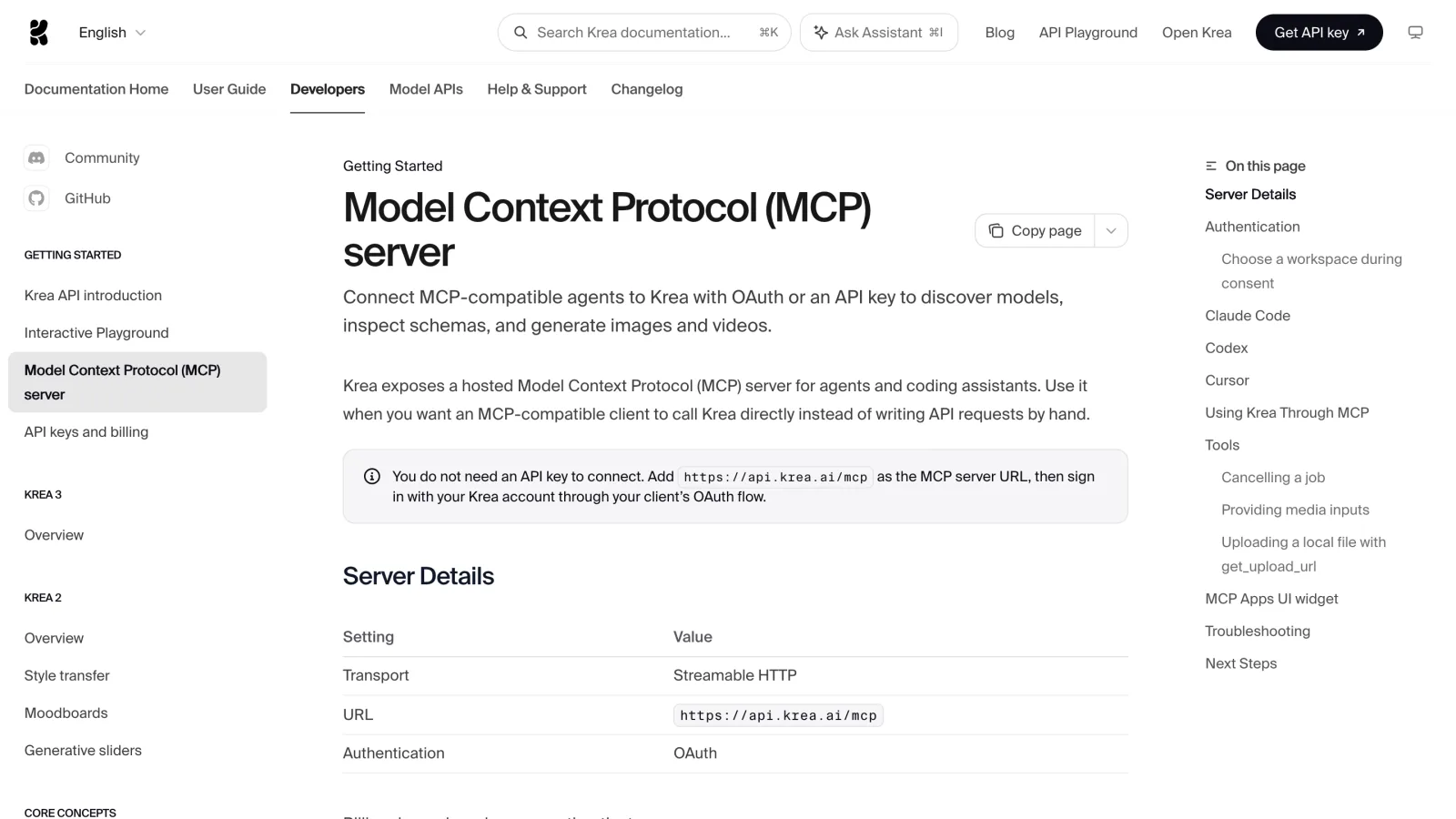
Its hosted MCP server (https://api.krea.ai/mcp) works with Claude Code,
Codex and Cursor. Signed in with OAuth, it spends compute units from the
workspace you pick. With an API token, it spends the API balance instead
(MCP docs).
Strengths
- Hands-on image work: real-time generation, editing by typing and 22K upscaling.
- Its own models (Krea 3 for edits that keep the product intact) next to many third-party ones.
- LoRA training and Nodes workflows that the team can reuse.
- A Business plan priced per workspace, not per seat, with per-member spend limits.
- A pay-as-you-go API with a low minimum.
Limits
- No chat models to choose from, so writing and research happen elsewhere.
- The team plan is one of the most expensive plans, not an entry-level one.
- The API uses a separate balance from the app's compute units.
- Audit logs were still marked "soon" on the Enterprise plan.
Alternatives to Krea
- Endless. A shared workspace where the team picks a chat, image, video or audio model for each task and everyone spends from one credit balance. Admins set spending limits per person and per team. Projects keep a brand's voice, references and rules for every chat and generation, and the same workspace transcribes recordings and tracks social. Team plans start at $49 a month for up to 10 members, the free plan gives 50 credits every week, and the MCP server works on every plan. The REST API is part of the Business plan. Where Krea is stronger: real-time tools, upscaling, 3D and LoRA training. Endless vs Krea, fact by fact
- Higgsfield. Video first, with cinematic presets and studios for ads and lip-sync. What is Higgsfield
- OpenArt. Consistent characters, story videos and a Business plan with a shared credit pool. What is OpenArt
- Pollo AI. A video-heavy suite with an agent and a Marketing Studio for ads. What is Pollo AI
For a wider view, see the best platforms to use every AI model in one place.
FAQ
What is Krea AI used for?
Generating and editing images, real-time sketching, upscaling, short videos, 3D objects and custom LoRA styles, mostly by designers, agencies and studios.
How much does Krea cost?
Basic is $9 a month, Pro $35, Max $105 and Business $200 when paid monthly, about 40% less when paid yearly. Check the pricing page for today's numbers.
Is Krea free?
Yes. The Free plan gives 100 compute units a day with no credit card.
Does Krea have an API?
Yes, a REST API with an SDK, paid from a separate US-dollar balance with a $5 minimum top-up.
Does Krea work with Claude?
Yes. Its hosted MCP server connects Claude Code, Codex and Cursor through OAuth.
Keep reading
What is Pollo AI: features, pricing, free plan and alternatives
Pollo AI is a video-first creative suite with an agent, a Marketing Studio for ads, its own Pollo models and a long list of third-party ones. What it does, who it is for, what it costs and where it falls short.
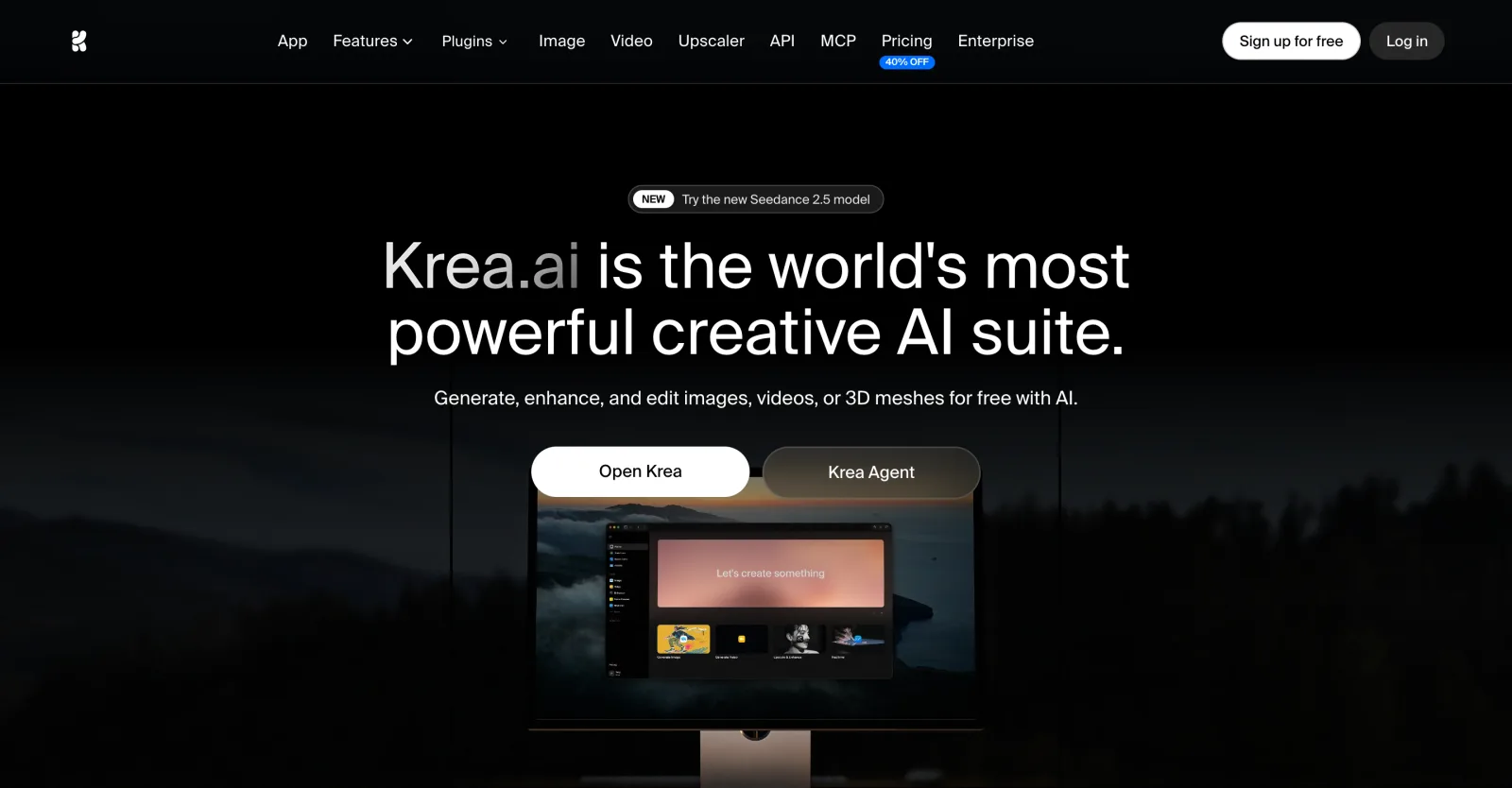
The best Krea alternatives in 2026: features, pricing and limits
FLORA, Magnific, Leonardo, OpenArt, Higgsfield, Midjourney and Endless: what each one does differently from Krea, who it suits, what it costs and where it falls short.
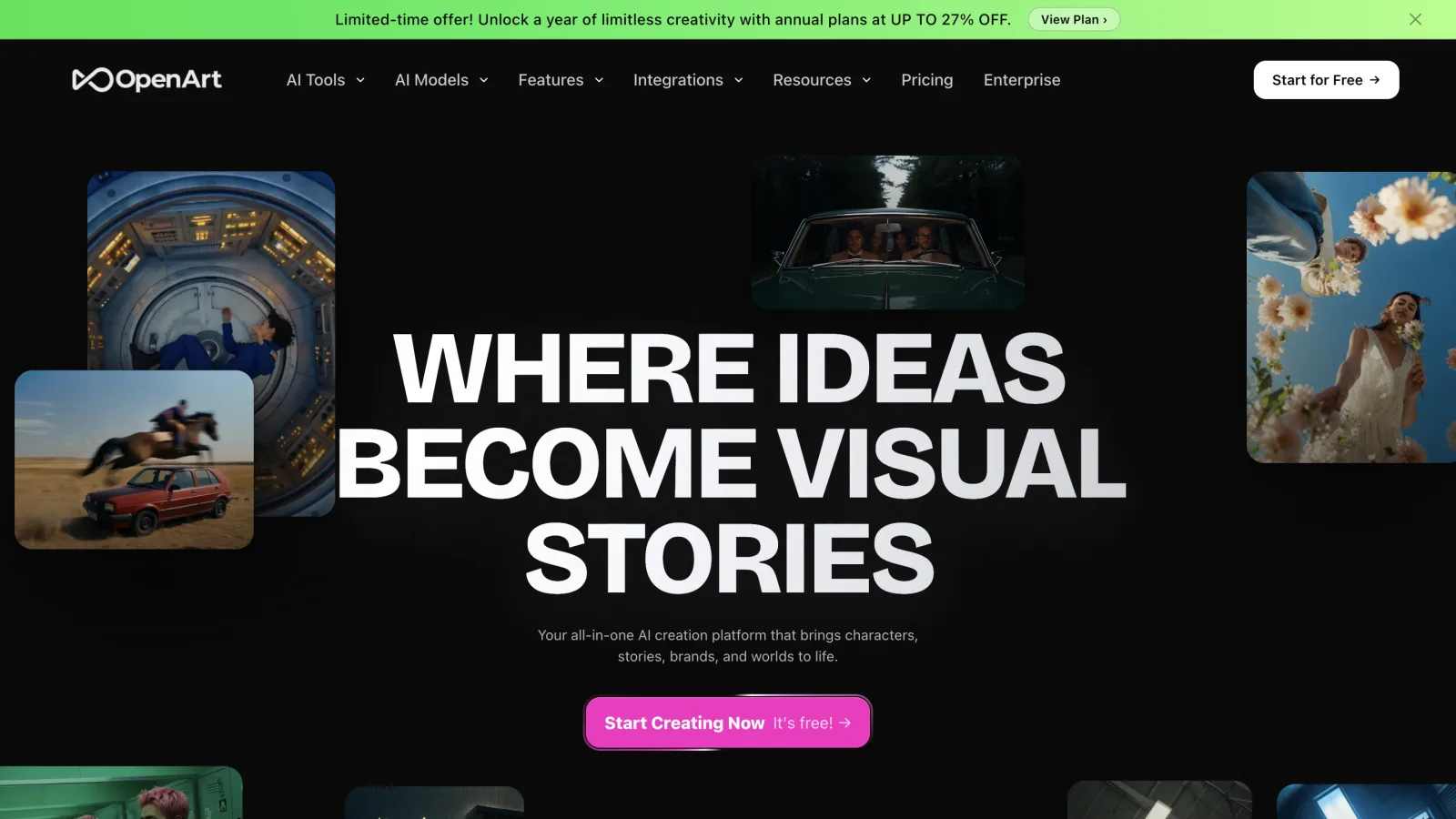
What is OpenArt: features, pricing, free plan and alternatives
OpenArt is an AI platform for images, video, characters and audio, with Director for chat-driven video and a team plan with a shared credit pool. What it does, who it is for, what it costs and where it falls short.
Bring this to your team
Start creating with Endless: chat, image, video, transcripts, and social insight in one workspace.
Start free